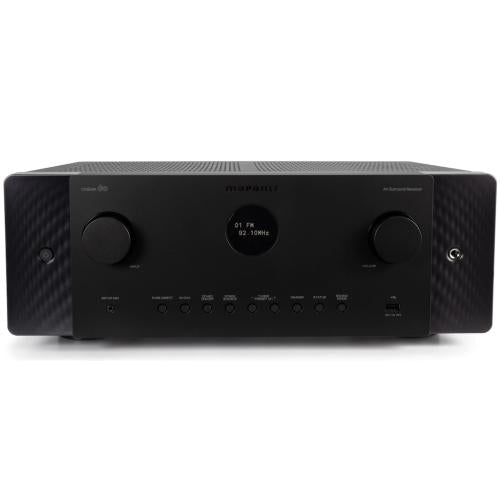
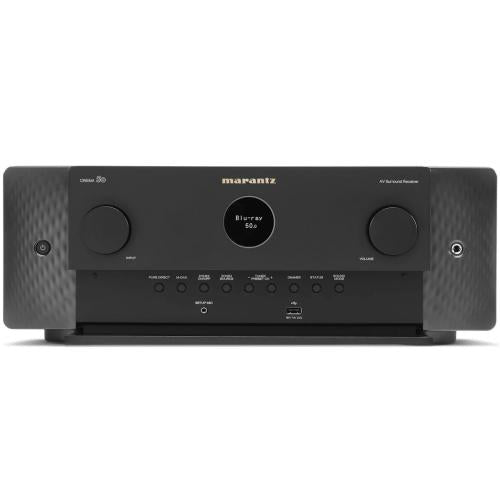
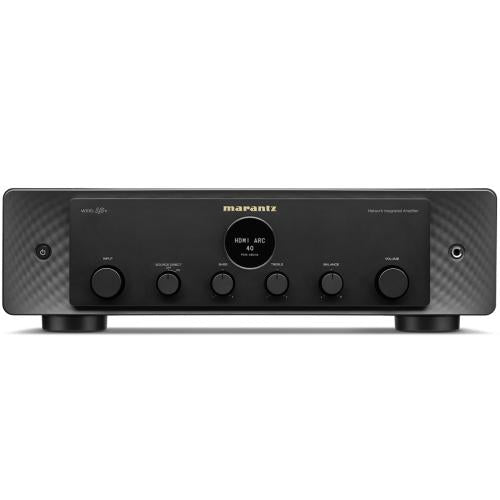
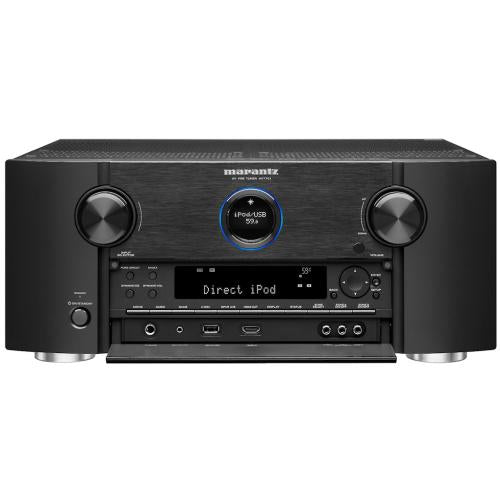
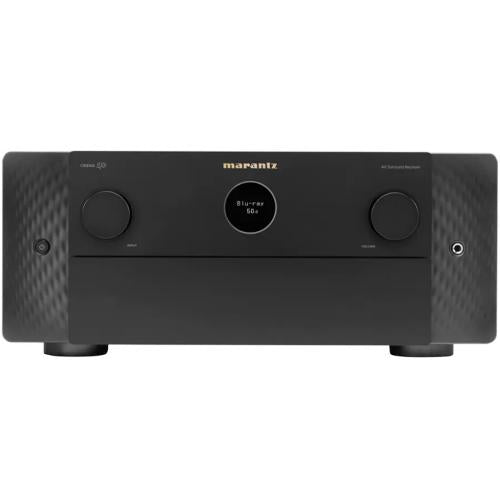
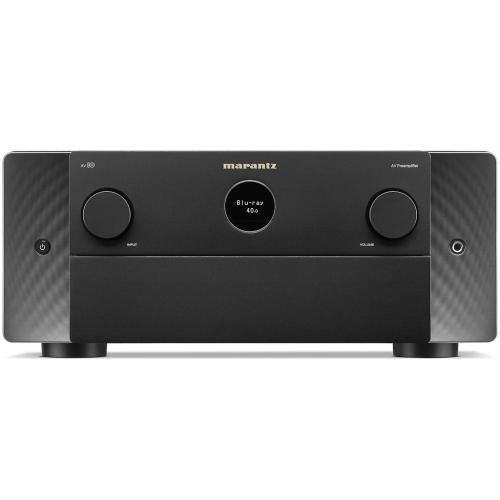
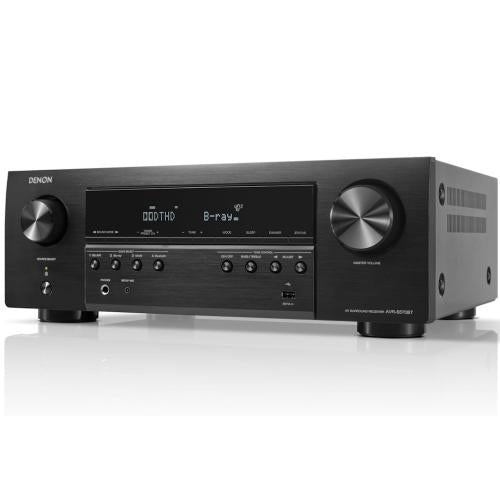
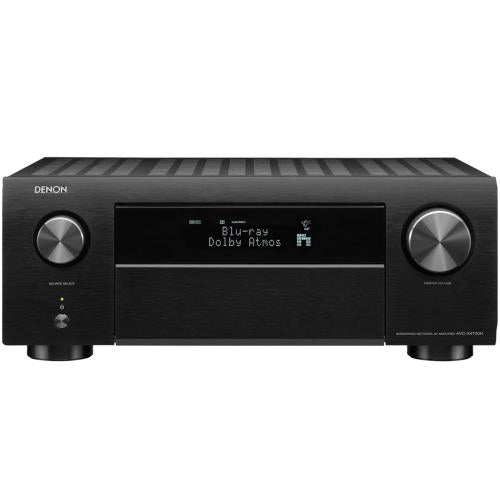
An AV receiver or amplifier is the control center for many home audio and theater systems. It accepts signals from TVs, disc players, streamers, game consoles, turntables, set-top boxes, and recorders, then sends processed audio to speakers. When a receiver fails, the symptom may look simple, such as no sound, no power, or no HDMI video, but the cause may sit in the power supply, speaker relay, HDMI board, front panel, amplifier channel, cooling fan, or setup menu.
GenuineReplacementParts.com helps customers look for AV receiver and amplifier parts by exact model number and part category. Exact fit matters because receivers often use model-specific boards, transformer ratings, display modules, knobs, remote controls, firmware versions, and connector layouts. A board from a similar receiver may not line up with the rear panel or may not communicate correctly with the main processor. Even knobs and buttons can vary by shaft style or front-panel shape.
The main sections of a receiver are easier to understand when separated by job. The input section accepts HDMI, optical, coaxial, analog, phono, USB, Bluetooth, Wi-Fi, or network signals. The preamp section handles volume, tone, surround processing, and source selection. The power amplifier section drives the speakers. The power supply converts wall power into the voltages needed by each section. Cooling fans and heat sinks manage heat, while relays protect speakers during startup and faults.
Customers often hear a click when an amplifier turns on and wonder what it means. That click is usually a speaker protection relay connecting the speakers after the receiver checks its power and amplifier condition. If the relay never clicks, clicks repeatedly, or clicks off during playback, the unit may be protecting itself from a fault, overheating, DC offset, or shorted speaker wiring. Do not keep turning the volume up while a receiver is in protection mode.
Receiver symptoms can be caused by connected equipment too. If video from a disc player or set-top box disappears, test another HDMI cable and input before replacing the HDMI board. If one speaker channel is dead, swap speaker wires left to right to see whether the problem follows the speaker or stays with the receiver. If a phono input is weak or noisy, confirm turntable grounding and cartridge condition before assuming the receiver has failed.
AV Receiver and Amplifier Symptoms
|
Symptom
|
Likely part or area
|
What to check first
|
|
No power
|
Power cord, fuse, transformer, power supply board
|
Outlet, surge damage, standby light, correct voltage version
|
|
Powers on then shuts down
|
Speaker relay, amp channel, cooling fan, protection circuit
|
Disconnected speakers, ventilation, shorted speaker wire
|
|
No HDMI video or audio
|
HDMI board, input/output connector, main board
|
Cable, source settings, alternate HDMI input
|
|
One channel missing
|
Speaker terminal, relay, output transistor, amp board
|
Swap speakers and cables before ordering parts
|
|
Volume jumps or crackles
|
Volume encoder, knob, front control board
|
Control shaft style, board number, dust or physical damage
|
|
Display dim or blank
|
Display module, ribbon cable, front panel board
|
Dimmer setting, cable seating, matching display part
|
Common Parts and Their Jobs
|
Part
|
What it does
|
Why exact fit matters
|
|
HDMI board
|
Routes video and digital audio between sources and display
|
Port count, firmware, connector location, and board revision vary
|
|
Power supply board
|
Provides regulated voltage to receiver circuits
|
Voltage rating, transformer connections, and mounting points must match
|
|
Speaker relay
|
Connects speakers after protection checks
|
Coil voltage, contact rating, and board footprint matter
|
|
Cooling fan
|
Moves heat away from amplifier sections
|
Size, voltage, plug type, and airflow direction must match
|
|
Remote control
|
Sends model-specific control commands
|
Button layout and IR code set must match the receiver
|
If the receiver is used with a record player, weak sound from the phono input may be related to the cartridge, stylus, ground wire, or preamp path. Compare those pieces with turntable parts and accessories before assuming the amplifier section is the only problem.
Safety is especially important inside receivers and amplifiers. They connect to wall power, contain capacitors, and may have heavy transformers and sharp heat sinks. Unplug the unit before removing covers, allow time for stored charge to discharge, and avoid touching power supply areas if you are not trained. If a fuse blows repeatedly, do not install a larger fuse. A repeated fuse failure is a symptom, not a maintenance step.
Home theater video problems often involve more than one device. If the receiver is connected to a disc source, check the player, tray, HDMI output, and remote control under Blu-Ray Disc and DVD player parts before replacing an AV receiver board.
When should you call a technician? Get service help if the receiver smells burnt, goes into protection mode with all speakers disconnected, has visible board damage, or needs soldering around high-current amplifier parts. Also call for help if the symptom involves a power transformer, output transistors, HDMI chip replacement, or repeated overheating. Those repairs can require test equipment and careful setup after the part is installed.
Heat-related receiver problems deserve extra attention. A unit installed in a tight cabinet may shut down even when no part has fully failed. Clear dust from vents, give the receiver open airflow, and confirm the fan runs if the model uses one. If shutdowns continue with good airflow and disconnected speakers, the likely issue moves toward internal protection, power, or amplifier components.
If the input source is a cable, satellite, or IPTV device, missing video may come from the source box rather than the receiver. A quick comparison with digital set top box parts can help separate HDMI-source trouble from receiver-input trouble.
Before ordering, gather the brand, full model number, voltage version, part number printed on the old board, and the symptom. Take clear photos of all cable positions before disconnecting boards. For knobs and front-panel controls, compare shaft shape and panel color. For boards, compare every connector and port. GenuineReplacementParts.com helps shoppers choose receiver and amplifier parts with the fit details that matter, so the repair restores the home audio system instead of creating another mismatch.
For older amplifiers, also note whether the part is cosmetic, mechanical, or electrical. Feet, knobs, covers, and terminals may be chosen by visible fit. Relays, capacitors, boards, and power parts need electrical matching and often professional installation. Keeping that distinction clear helps avoid buying a visible part when the actual fault is inside the signal or power path.