


 Price Match Guarantee
i
How to Submit a Price Match Request
If you find a lower eligible price on an identical OEM part from a qualifying retailer, just navigate to the product page on our website. Right next to the price, you’ll see a “Price Match” button. Click that button to open our Price Match Request Form. Fill out the form and include a link to the competitor’s product, along with the other required details. Our team will review the request based on our Price Match Policy and determine whether it qualifies. If it does, we’ll approve the match; if not, we’ll explain why it didn’t meet the criteria. You’ll hear from us via email once the review is complete. Read More about our Price Match Policy


-

 CartCart $0.00
$0.00
CartCart $0.00
$0.00 - 0


Your Models
Keep Track Of Your Appliance Models
Log in or create an account to view or add models.


-
 CartCart $0.00
$0.00
CartCart $0.00
$0.00 - 0


Your Models
Keep Track Of Your Appliance Models
Log in or create an account to view or add models.

 Price Match Guarantee
i
How to Submit a Price Match Request
If you find a lower eligible price on an identical OEM part from a qualifying retailer, just navigate to the product page on our website. Right next to the price, you’ll see a “Price Match” button. Click that button to open our Price Match Request Form. Fill out the form and include a link to the competitor’s product, along with the other required details. Our team will review the request based on our Price Match Policy and determine whether it qualifies. If it does, we’ll approve the match; if not, we’ll explain why it didn’t meet the criteria. You’ll hear from us via email once the review is complete. Read More about our Price Match Policy
-
CartCart $0.00
$0.00
- 0
Your Models
Keep Track Of Your Appliance Models
Log in or create an account to view or add models.
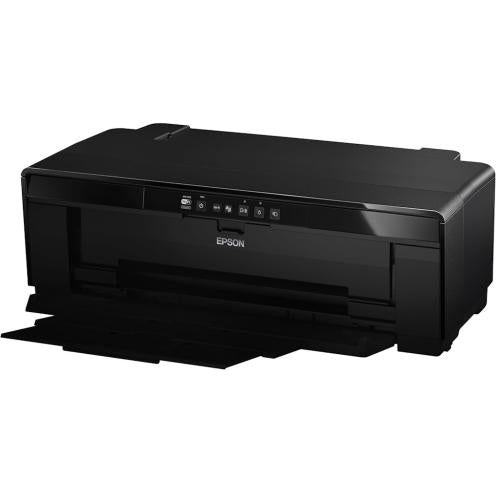
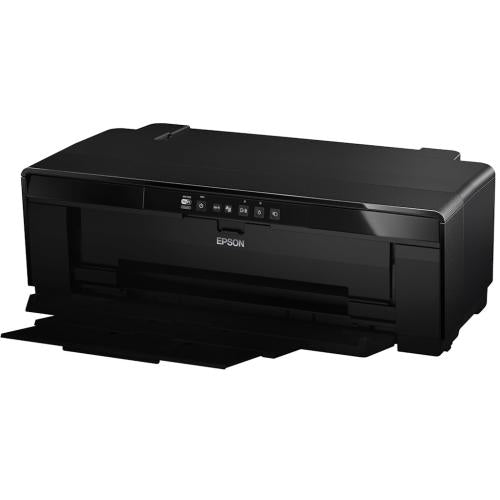
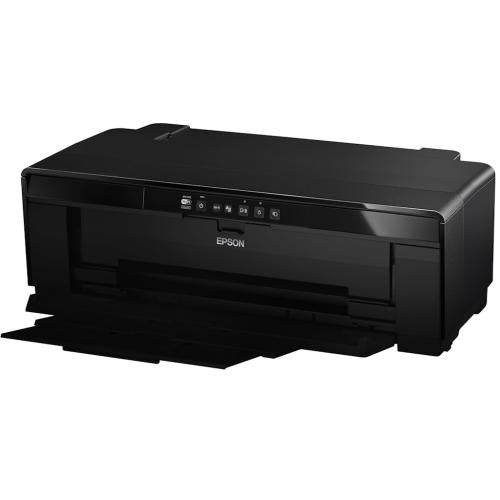
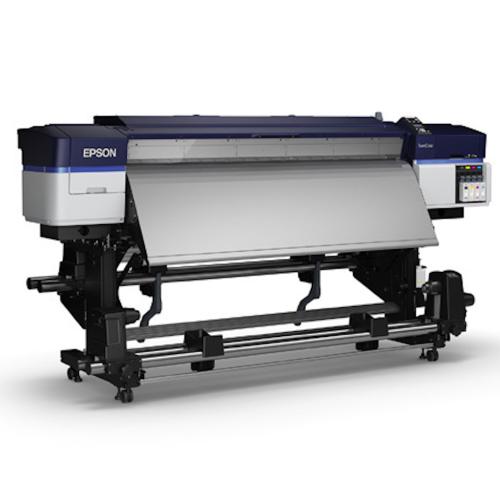
Color Inkjet Printer Parts
A color inkjet printer creates images by placing tiny droplets of cyan, magenta, yellow, and black ink onto paper. To do that cleanly, the printhead, ink supply, carriage, encoder strip, rollers, maintenance system, and logic board all need to work together. When one part fails, the printer may leave streaks, miss colors, jam paper, report a maintenance box warning, or stop recognizing ink. GenuineReplacementParts.com helps customers find color inkjet printer parts by exact model number and symptom.
The printhead is the part that sprays ink through very small nozzles. In some printers, the printhead is built into each cartridge. In others, the printhead is a separate replaceable assembly or a longer-life internal part. The ink cartridges or tanks store ink. The carriage moves the printhead across the page. The encoder strip helps the printer know carriage position. Pickup rollers feed paper. The maintenance station caps and cleans the printhead, and the maintenance box or waste ink pad collects ink used during cleaning.
What are the parts of an inkjet printer? The main parts are the printhead, ink supply, carriage, carriage belt, paper feed rollers, encoder strip, maintenance station, waste ink system, logic board, power supply, control panel, and sometimes scanner parts if it is a multifunction model. These parts are model-specific because ink systems, cartridge families, carriage widths, and maintenance boxes vary widely.
Common symptoms can be diagnosed by where the failure appears. Missing one color may indicate an empty cartridge, clogged nozzle, ink tube issue, or printhead problem. Horizontal white lines can point to clogged nozzles, low ink, or paper-feed calibration. Smudges may come from wet ink, dirty rollers, a maintenance station issue, or the wrong paper setting. A carriage error may involve the belt, encoder strip, obstruction, or carriage motor.
Exact fit matters for inkjet repairs because ink delivery is precise. A printhead with the wrong electrical contacts will not initialize. A maintenance box must fit the sensor and latch. A roller kit must match the paper path. Ink tanks and cartridges must match the printer family. A replacement logic board may require the correct region, firmware, and connector layout.
Color Inkjet Problems and Likely Parts
|
Problem |
Likely part |
Helpful check |
|
Missing color |
Printhead, cartridge, tank, ink tube |
Run nozzle check and confirm ink is flowing |
|
White lines across page |
Printhead, paper feed rollers, calibration |
Clean nozzles and test another paper type |
|
Paper jams or skew |
Pickup roller, separation pad, paper tray |
Check paper guides and roller surface |
|
Carriage stuck or grinding |
Carriage belt, encoder strip, carriage assembly |
Look for obstructions and clean encoder strip carefully |
|
Maintenance box full |
Maintenance box, waste ink pad, sensor |
Match box model and reset instructions if applicable |
|
Printer not powering on |
Power adapter, power supply board, logic board |
Confirm outlet and adapter rating |
Inkjet Part Matching Guide
|
Part |
What to match |
Why it matters |
|
Printhead |
Printer model, printhead code, ink family |
Wrong printheads can fail to initialize or leak |
|
Maintenance box |
Box number, latch style, sensor position |
Incorrect boxes may not seat or reset properly |
|
Carriage belt |
Length, tooth pattern, model family |
Wrong belt affects position and print alignment |
|
Encoder strip |
Length, markings, attachment points |
Position errors can cause carriage faults |
|
Roller kit |
Tray type, roller shape, printer model |
Incorrect rollers cause feed errors or skew |
If the printer also scans and copies, some symptoms may belong to the broader all-in-one printer parts category, especially ADF rollers, scanner glass, control panels, and hinges.
Customers often ask whether it is worth replacing a printhead. It can be worthwhile when the printer is otherwise in good condition, uses affordable ink, and the printhead is designed as a service part. It may not be worthwhile if the printer is low-cost, heavily clogged from long storage, or has multiple failures. Always compare the part cost, ink condition, and printer age before ordering.
Safety and handling are important because inkjet parts are delicate. Turn the printer off and unplug it before opening covers. Do not pull hard on ink tubes or ribbon cables. Avoid scraping the encoder strip. Keep ink away from electrical contacts. If a printer has leaked ink inside the case, clean carefully and inspect for saturated pads before installing parts.
If your device uses toner rather than liquid ink, look at color laser printer parts because fusers, drums, transfer belts, and toner cartridges work very differently from inkjet printheads and ink tanks.
Before ordering, gather the brand, model number, product number, error code, cartridge or tank family, and old part number if visible. For print-quality problems, print a nozzle check or test page before disassembly. For paper-feed problems, note the tray and paper size. GenuineReplacementParts.com helps color inkjet owners match the correct printhead, roller, maintenance box, carriage, board, or power part with less guesswork.
Inkjet printers also need regular use. A printer that sits unused for weeks can clog even if no part has physically broken. If the nozzle check improves after one or two cleaning cycles, replacement may not be needed yet. If cleaning cycles use ink but the pattern does not improve, the printhead, ink delivery path, or maintenance station becomes more suspect.
When ordering paper-feed parts, note whether the problem happens from the rear feed, main cassette, photo tray, or automatic duplex path. Each path may use different rollers and sensors. For carriage-related errors, check for packing material, scraps of paper, dried ink buildup, or a displaced encoder strip before replacing the carriage assembly.
Photo-quality complaints need a slightly different check. If colors look dull, confirm paper type, print-quality setting, and ink type before replacing the printhead. If the same image prints well on one paper but poorly on another, the issue may be media selection. If all papers show banding in the same place, the printhead, feed calibration, or carriage system is more likely.
Keep the old cartridge, tank cap, or maintenance box until the repair is finished so you can compare labels and seating points.
Search result
Selected filters
1 - 40 out of
12 results found in 0.003s
Sorted by


POPULAR PARTS & ACCESSORIES


Frequently Asked Questions
Quick answers for your replacement part needs
Where can I find genuine replacement parts for my appliance?
Finding genuine replacement parts for your appliances has never been easier! We offer authentic parts for over 250 brands, including LG, Samsung, Whirlpool, Kenmore, Bosch, and Liebherr. Simply enter your appliance's model number on our website, and explore our extensive selection of compatible parts designed to restore your appliance's peak performance and reliability.
What type of appliance parts and accessories are available for purchase?
Are your replacement parts compatible with all models?
What if I can’t find the appliance part I need?
How can I track my order for appliance parts online?
How long will it take to receive my replacement parts order?
Can I return appliance parts if they are not compatible with my model?
How can I update my shipping address after placing an order?
How can I get in touch with customer support?
Couldn’t find the answer to your question?
Your satisfaction matters. Let us know how we can assist with your repair journey.
Wishlist
You currently have 0 items in your Wishlist
Compare
Your Cart ( 0 items)





Scan appliance label
Upload a photo of the rating plate and we’ll find the parts for your model.
—
—
—
Scanning label… Please wait.